
FreeView
Easy to build. Easier to share. Drop in any mix of files for a presentation, then send one link that plays on any screen.

For iPhone, iPad and Mac · Free to start
Easy to build. Easier to share. Drop in any mix of files for a presentation, then send one link that plays on any screen.
For iPhone, iPad and Mac · Free to start
Pick a Keynote deck, a PDF, a film, photos, a 3D model, a voice note and a spreadsheet, and they become one presentation, a slide each, in the order you want. No converting, no copying and pasting, no slide software.
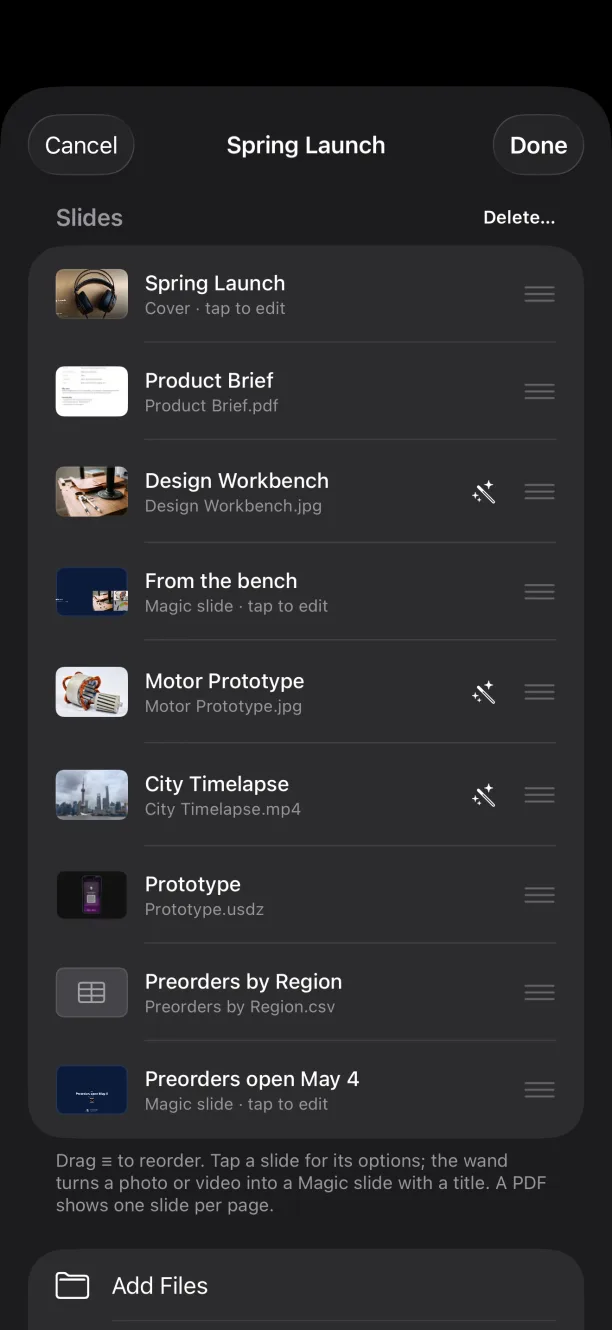

Add a cover with your logo, name, photo and contacts, and Magic slides that lay themselves out, even with a live website or a file to download. Any web address on a slide becomes a QR code. Pick a style or make one from your logo's colours.
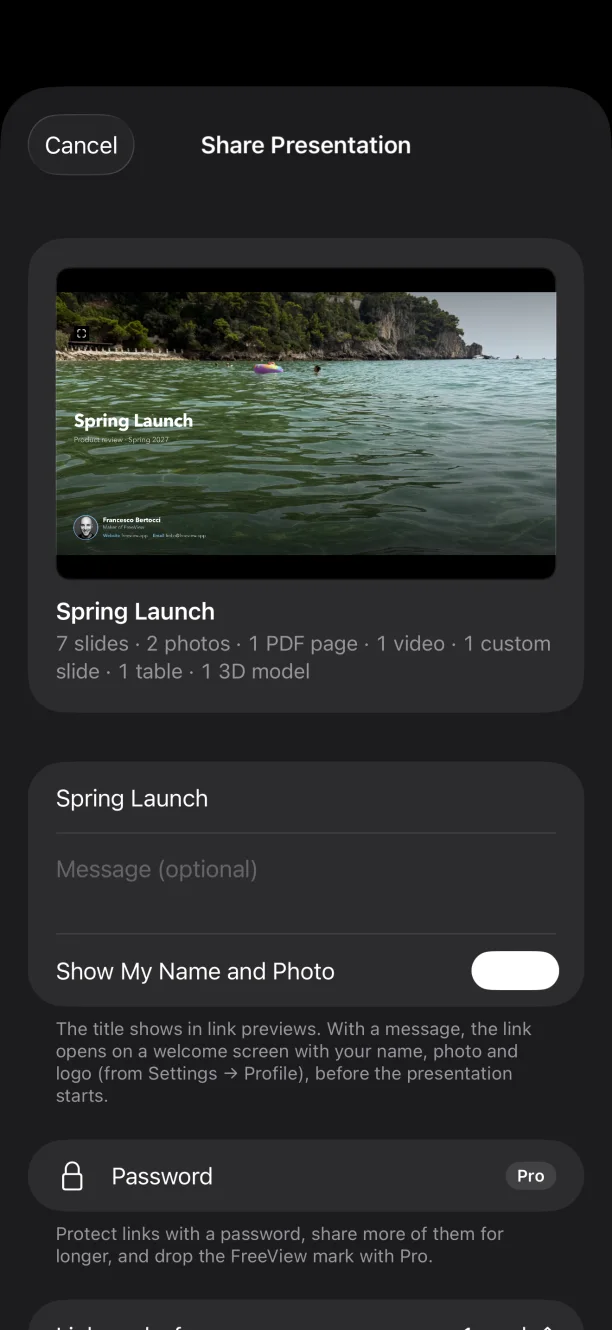
Long films, big decks, dozens of photos: send a link, not attachments. Add a welcome message, choose how long it works, and update it after edits without changing the link.
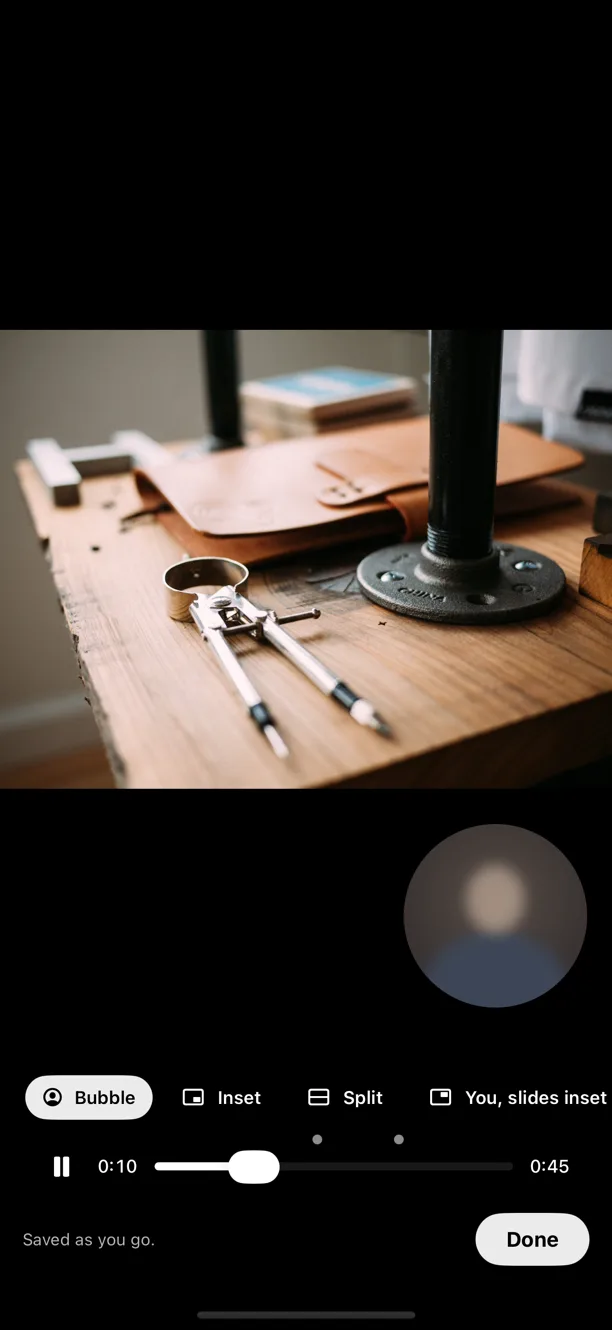
Record yourself presenting, slide by slide, with your camera and voice, then send it in the same link. They watch you walk through it whenever suits them, on any screen.
Whoever gets the link watches it in their browser, on a laptop, tablet, phone or TV, ready to present. No app, no account, nothing to install, and Keynote, video and 3D all just play.

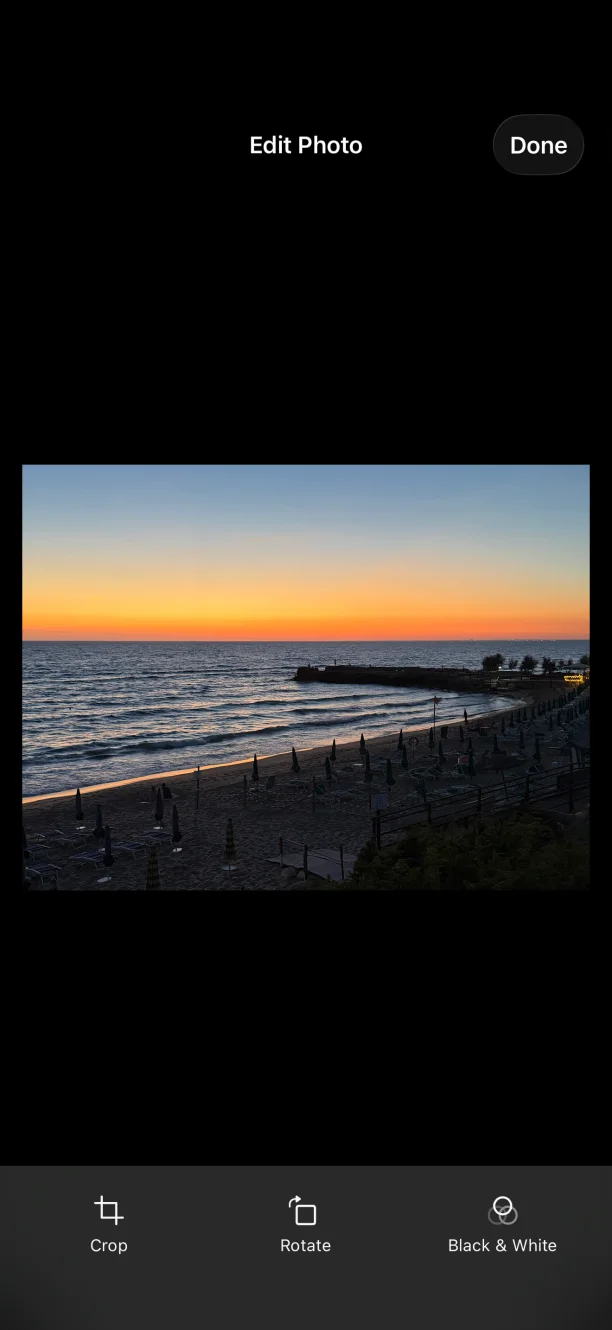
Crop, rotate or reimagine a photo, trim a video or a voice note, fix a PDF page, wherever it's used, on a slide or a cover. Revert always brings back the original.
On your own screen everything opens full screen with nothing in the way. Hand over an iPad in kiosk mode, let Autoplay run the slides on a loop, or switch to deep red night mode in the dark.
FreeViewNo account, no ads, no tracking. Your files and history never leave your device unless you share them, and shared links end on their own.
Viewing, presenting, editing, custom slides and styles are free. Free keeps your three most recent presentations and shares one link at a time, for up to a week. FreeView Pro keeps every presentation and shares as many links as you like, for up to 90 days, with passwords, per-slide views and no FreeView mark.
Launch prices until 15 November 2026; after that the yearly plan starts with a free week at $9.99 a year and Lifetime is $19.99. US prices; your App Store shows local pricing. Monthly and yearly plans renew automatically unless cancelled at least 24 hours before the period ends; manage them in Settings → Apple Account → Subscriptions.